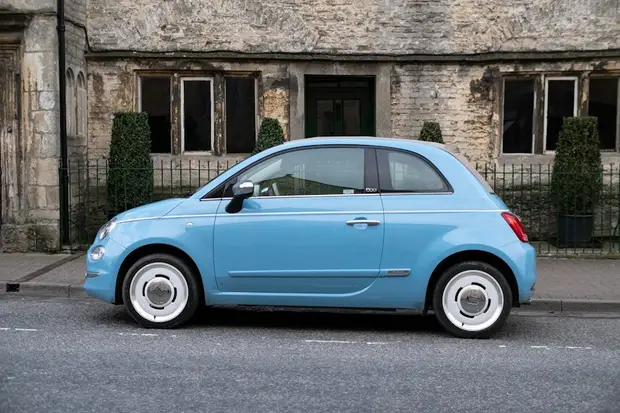
 Economy
Fiat 500
- Manual
- Petrol
- 4 seats
$39 / day
Rent nowYOUR OWN WEBSITE
The rental website that comes with every plan opens on your own domain. You manage its colours, the sections of the homepage and its address redirects from the panel; a change shows in the preview at once and goes live after Publish.
Administration / Appearance
Appearance
Choose your site's colours. Changes show in the preview straight away and reach the live site only when you press Publish.
Pick a colour and matching ready-made sets are suggested. Nothing is saved until you press Publish.
Emerald teal
Click a palette to load its colours into the form. Nothing is saved until you publish.
Your real site, wearing the draft colours. Visitors do not see them until you publish.
Find your car
Pick-up pointPick-up and drop-offShow the carsEconomy$39 / day
Rent nowAT THE DESK TODAY
When the logo is refreshed or you want to drop a section, the change becomes a request, and the request becomes a week.
If the old pages' addresses are not redirected when the site is renewed, the search ranking goes with them, and nobody knows which addresses visitors could not find.
Titles, descriptions and blog posts in every language, and the vehicle and location pages, stay on the list of jobs waiting their turn.
HOW IT WORKS
You set up the look first, then connect the site to your own domain.
Pick a colour from the swatches or take it from your logo, and matching ready-made sets are suggested. A ready-made palette loads into the form with one click. Nothing is saved until you press Publish.
Pick a colour and matching ready-made sets are suggested. Nothing is saved until you press Publish.
Click a palette to load its colours into the form. Nothing is saved until you publish.
Eight colours sit under Brand, Text and Surfaces, each with a line on what it is for. If you pick a pair that cannot be read, the panel names the two colours and the ratio between them, and Publish stays off until it is fixed.
For each section choose which component appears, drag the sections into order and hide the ones you do not want. The first section, which holds the search form, always stays on top.
Choose which component appears in each section, drag to reorder, and hide the ones you do not want. Changes reach your site after Publish.
Add your domain and the panel says where to point the www record. A domain's status and SSL show in the table once it is active, and you make one of them the primary.
Administration / Domains
Domains
The addresses your storefront is published at. The primary one is where links point.
| Host | Primary | Status | SSL | Actions |
|---|---|---|---|---|
| sample-rentals.sites.minatarentalsuite.comPlatform subdomain | – | Active2026-10-07 09:12 | active | |
| www.samplerentals.comCustom domain | Published | Active2026-10-07 09:40 | active | |
| www.samplerentals.netCustom domain | – | Pending | – |
THEME AND COLOURS
Pick a colour, see the matching sets, and publish to your live site in seconds, with no build to wait for.
Choose your site's colours. Changes show in the preview straight away and reach the live site only when you press Publish.
Pick a colour and matching ready-made sets are suggested. Nothing is saved until you press Publish.
Click a palette to load its colours into the form. Nothing is saved until you publish.
Buttons, links and highlighted areas. White text on it must stay readable.
The second highlight, used on stripes and small markers.
Headings and body text.
Captions and supporting text.
The page background.
The fill of cards and boxes.
Dark areas such as the hero and the footer. White text on it must stay readable.
Card borders and dividers.
Live
Choose a point and your dates, and the available cars and prices come up.
20% offNo airport hand-over fee
We meet you at the terminal in Los Angeles, San Francisco and Seattle.
The offers that are live this month.
We charge nothing to meet you or hand the car over at LAX, SFO and SEA.
Choose dates15% off
Book at least ten days before pick-up and the daily rate comes down.
Choose dates20% off
On a hire longer than a week the daily rate drops on its own.
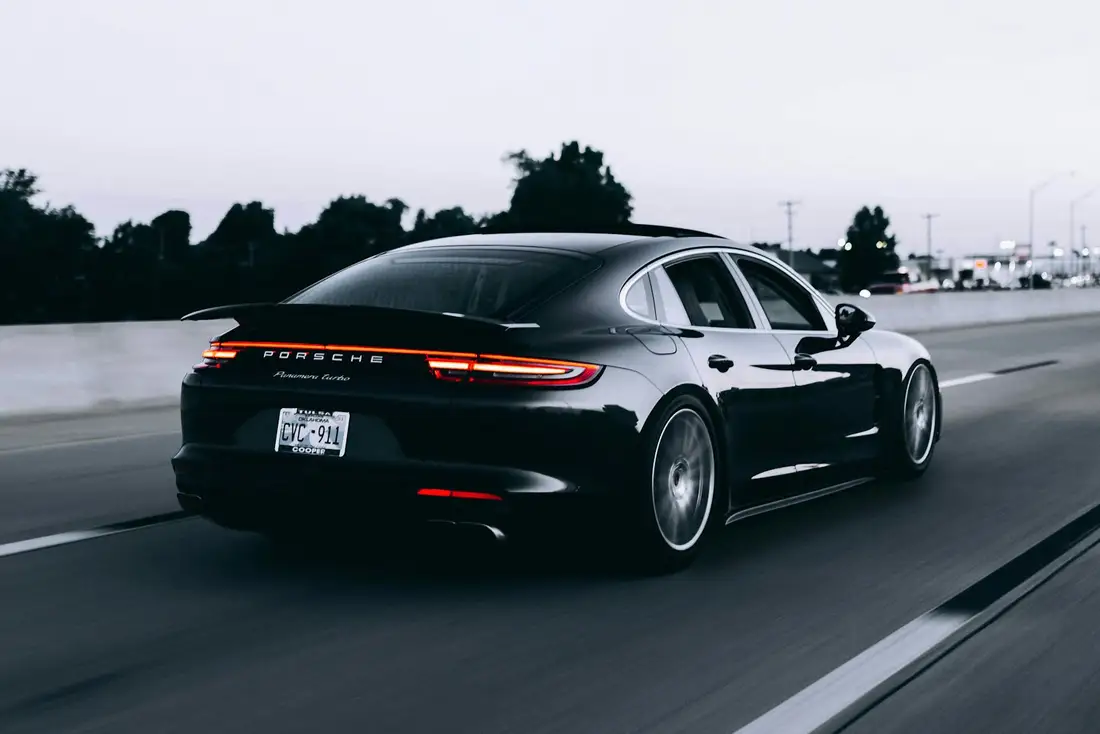
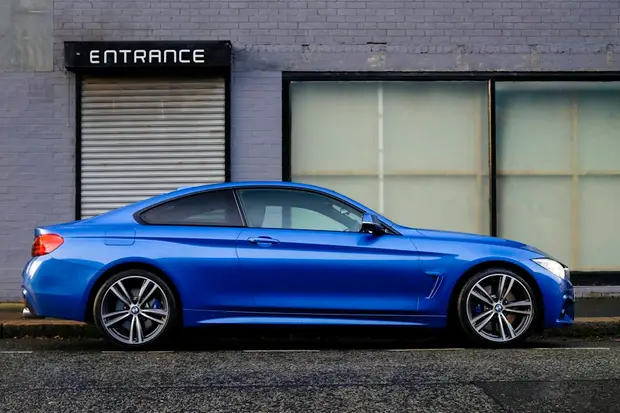
Choose datesEconomy4.0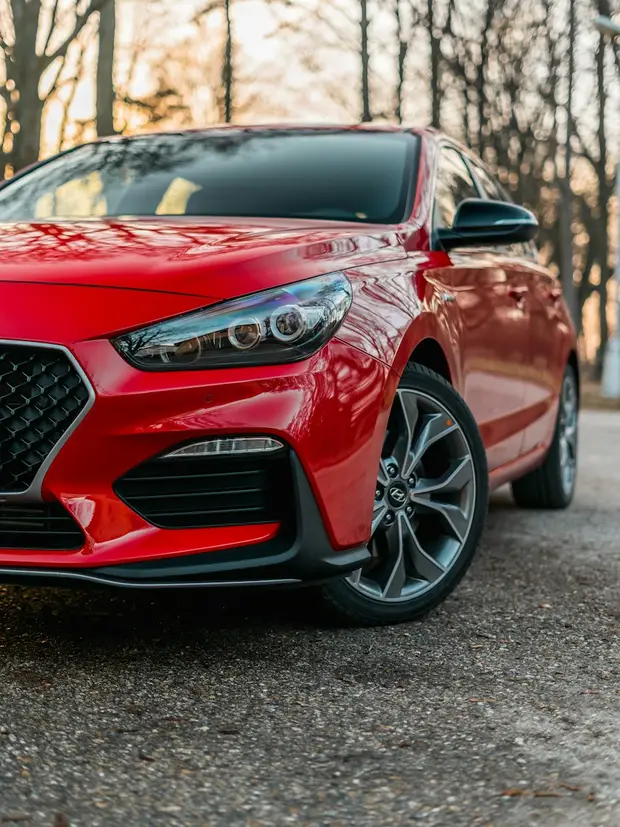 Economy5.0
 Premium5.0
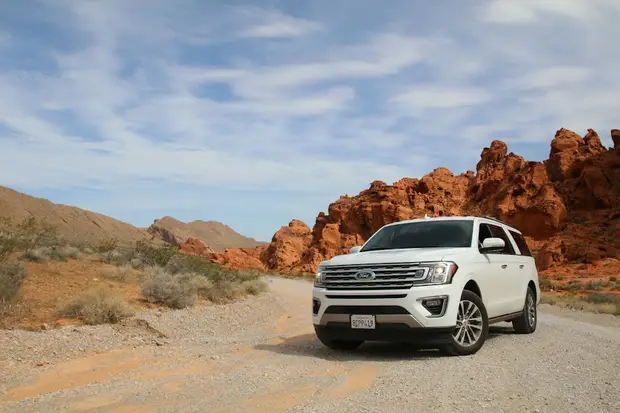 SUV5.0
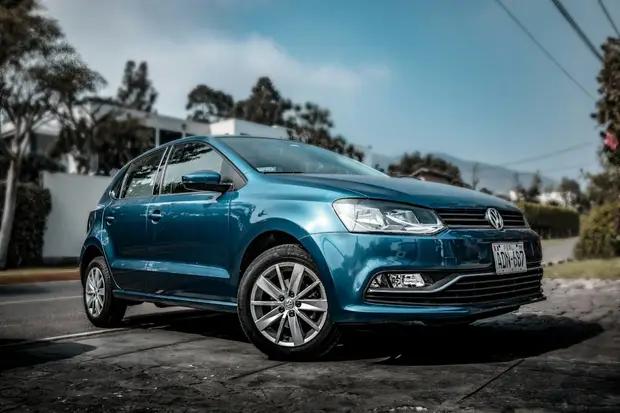 Economy
 Mid-size5.0
Enter the pick-up point, the days and the times. You can drop the car off in another city.
See the cars that are genuinely free on those dates with their prices, filtered by class.
Bring your ID and your licence. The agreement is on a tablet and the key is yours in five minutes.
The things worth knowing before you book.
Collect your car at an airport desk or at one of our branches.
My flight was two hours late and they were still at the desk. Clean car, ten minutes to hand over.
The hold on my card came off the day I returned the car. What the contract said is what happened.
The downtown office is central. The only snag was finding parking at a seven o'clock return.
Picked it up in Denver, left it in Austin. The one-way fee was inside the price from the start.
They handed it over on winter tyres without my having to ask. My second hire with them.
The price is the price. The car was waiting at the desk; ID and a licence were enough.
My flight was two hours late and they were still at the desk. Clean car, ten minutes to hand over.
The hold on my card came off the day I returned the car. What the contract said is what happened.
The downtown office is central. The only snag was finding parking at a seven o'clock return.
 Seven days down the Pacific coastFrom San Francisco to San Diego, ending each evening in a different bay. With the fuel and parking notes.
 When to put winter tyres onWhen it drops below seven degrees. The legal dates and our own calendar.
 How we prepare your carA twenty-four point check, an interior clean and tyre pressures before every hire.
The things people ask. If your answer is not here, call one of our branches.
21 for the economy and mid-size classes, 25 for premium and SUV. A licence held for at least two years is enough.
We meet you at LAX, SFO and SEA. Write your flight number into the booking; if the flight is late we wait at the point.
Yes. Tick “Drop off somewhere else” in the search box; the one-way fee is shown inside the price.
Between $250 and $750 depending on the class, held on your credit card. We release it the day you return the car.
300 miles a day, 2,000 a week. Beyond that the per-mile rate is in the contract and is charged at the hand-back.
Cancel more than 24 hours before pick-up and there is no charge. After that one day's hire is kept.
Start from the city you are looking in; each page lists that city's own pick-up points.
Write your flight number and collect the car at the terminal exit. If the flight is late we wait at the point.
Example hires cars by the day in 10 cities, Los Angeles, San Francisco and New York among them, and at 9 airport points. From the economy class to an SUV, 10 models are listed with the ones genuinely free at that point on the date and time you chose; the daily price, the deposit and the mileage limit are all on the same screen before you finish the booking.
Write your flight number into the booking and we follow the flight; if you land late the car waits at the point. There is no meeting or hand-over fee at Los Angeles International or San Francisco International. Your ID and a licence held for at least two years are enough.
You can leave the car in a different city from the one you collected it in; the one-way fee is inside the daily price in the search results and is never asked for again at the desk. Between December and March every car is handed over on winter tyres.
The mileage limit is 300 a day and 2,000 a week. The deposit is held on your credit card according to the class and released the day you return the car. Prices include tax; your card details are not kept by us.
The search box is waiting at the top of the page.
Find your car
Pick-up pointPick-up and drop-offShow the carsEconomy$39 / day
Rent nowThe colours and the suggested sets come from the panel's own generator; the site is a sample.
DETAILS
In the panel: SEO, 404 log
The addresses visitors could not find are listed with their hits, kept for 90 days, with bot crawls filtered out. Redirect on a row turns the suggestion into a rule in one click.
SEO / 404 log
404 log
The addresses visitors asked for and did not find. Send them to their new page in one click.
Rows are kept for 90 days; bot crawls are filtered out.
| Path | Hits | Last seen | Referrer | Suggestion | Actions |
|---|---|---|---|---|---|
/car-rental/antalya-airport | 128 | 2026-10-07 08:51 | google.com | Antalya Airport 0.92/en/locations/antalya-airport | |
/cars/renault-clio-2019 | 41 | 2026-10-06 19:40 | bing.com | Renault Clio 0.81/en/vehicles/renault-clio | |
/campaign/summer-deal | 17 | 2026-10-07 07:15 | samplerentals.comInternal link | No suggestion |
In the panel: Settings, Languages
You choose in one table which languages are published and which one is the default. How many you can publish depends on the plan.
Administration / Languages
Languages
What the storefront speaks. Exactly one default, and the default must be published.
Exactly one default, the default published, and at least one published.
| Language | Code | Published | Default | Actions |
|---|---|---|---|---|
| English | en | |||
| Español | es | |||
| Deutsch | de | |||
| Nederlands | nl |
In the panel: SEO, Redirects
Write a rule for an exact address or a folder; 301 is permanent, 302 temporary. Import rules from a CSV or from your old site's sitemap, and test an address.
New rule
A rule is applied before the page is drawn. A live page's address cannot be redirected.
/car/renault-clio/*Carry the rest of the path to the target Example: /arac/clio → /tr/vehicles/clio
In the panel: SEO, Keywords
Write the phrases you want to be found by, language by language, and tie each to a page, a post or a location; the page audit measures whether the title, address and text use it.
SEO / Keywords
Keywords
The phrases your site wants to be found by, and what each page does with the one it chose.
The order is your own working order: the phrase on top is the one you are working on. Drag a row or use its move actions.
/locations/antalya-airportLocation/pages/daily-car-rentalPage/blog/child-seat-guidePostIn the panel: Settings, General, AI keys
You enter your own OpenAI key; AI fills the text fields and you see the suggestion before it goes into the form. Blog posts, images and translations run on it too, and OpenAI bills you directly.
You can enter your own OpenAI keys for content generation and translation.
Blog posts, pages and vehicle copy are written with this key.
In use: gpt-5.1 · your own key, billed to you directly.
Ask for a demo; we will take a palette from your logo and look at it in your site's preview.